Finding and reusing Sketches
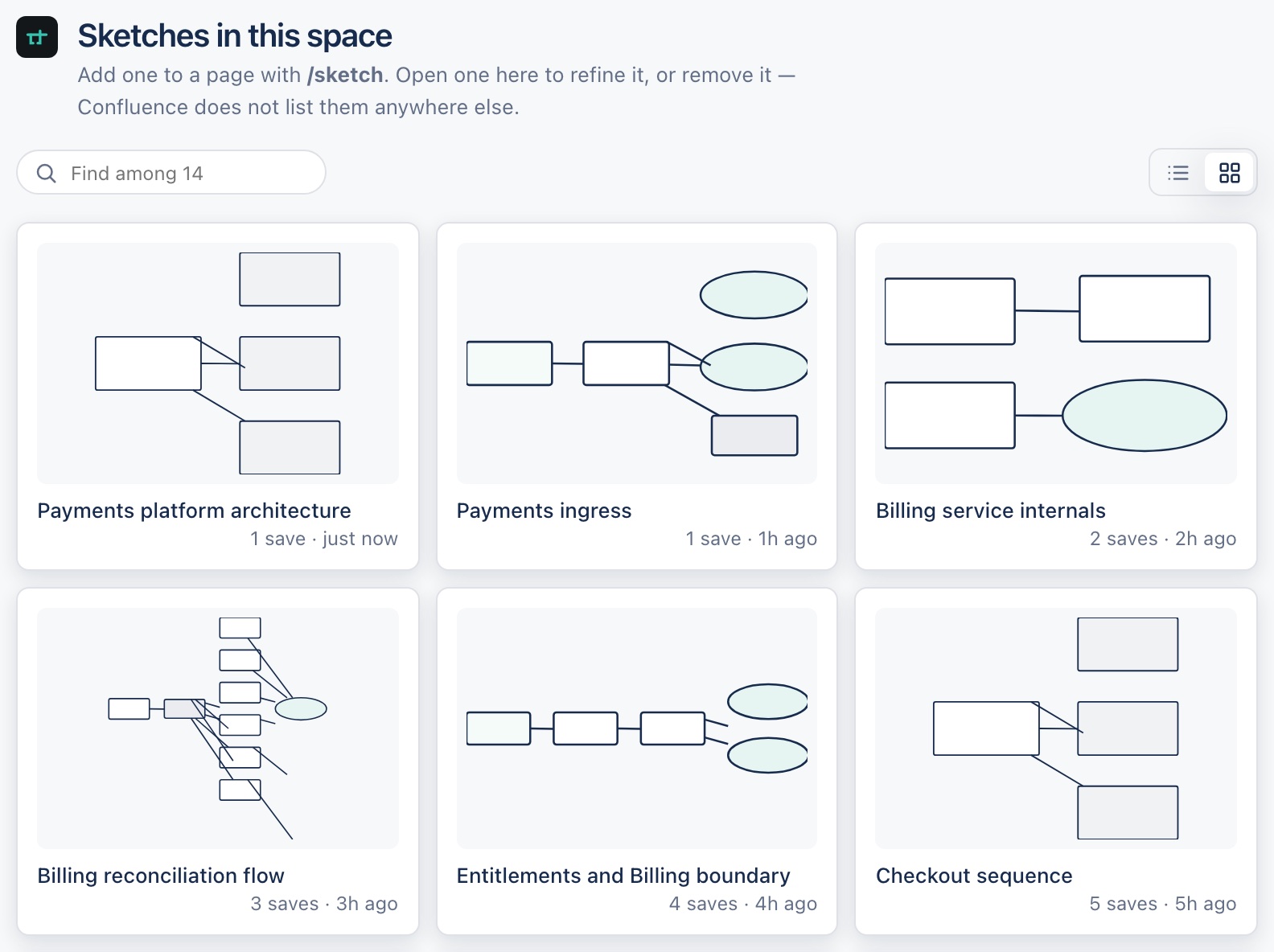
Every Sketch in a space is listed together, reached from the space's own navigation — the same screen Draw your first Sketch opens into when the space already has some. Confluence doesn't surface Sketches anywhere else, so this list is the one place to browse what a space already has.
As tiles
Or as a list
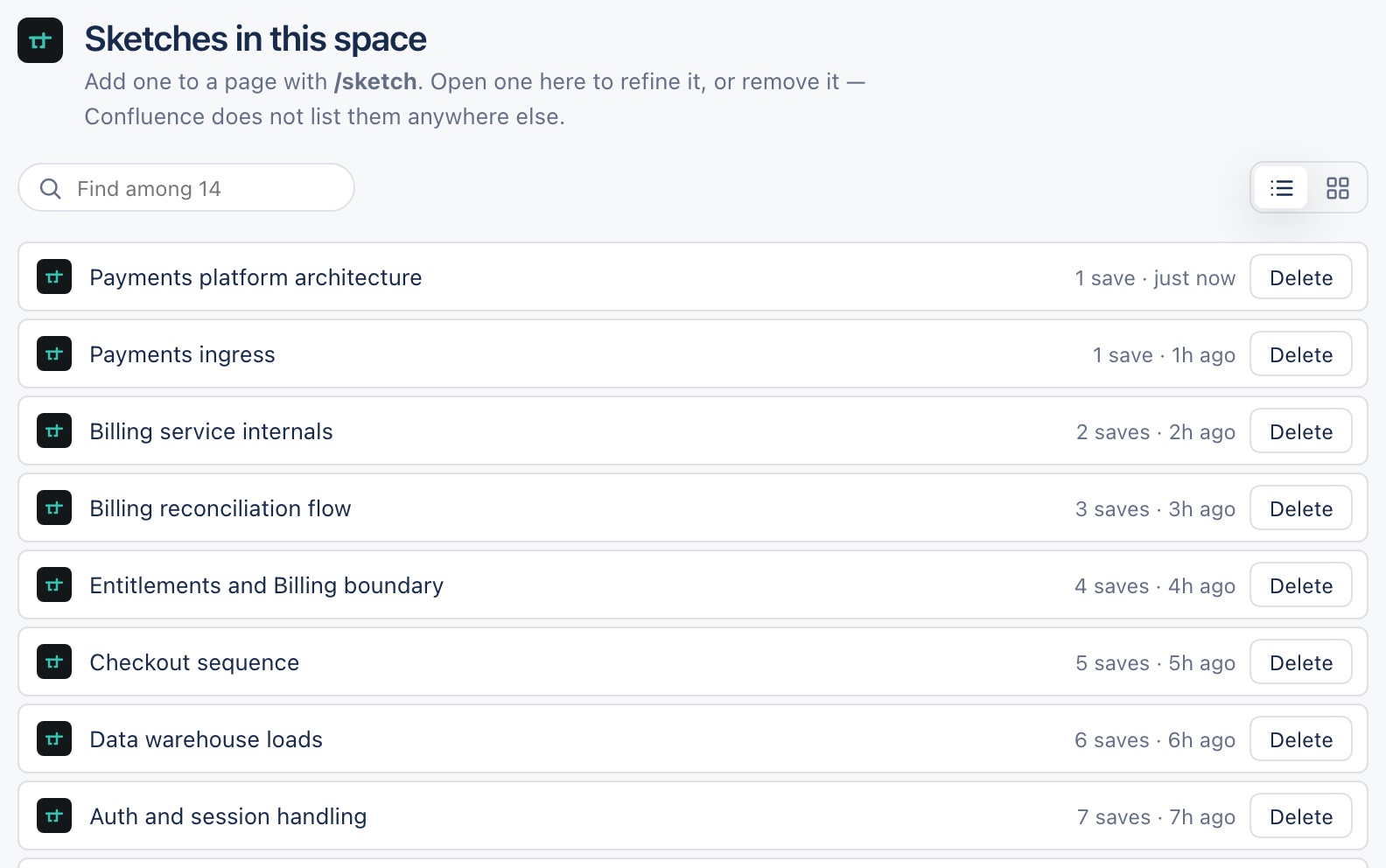
Switch between the two with the view control at the top of the screen. Newest first, either way.
Filtering, and what a big space does
Once a space has eight or more Sketches, a filter box appears above the list so you can search by name. If a space holds more than the screen fetches at once, a note says so rather than quietly showing you the first few and calling it the whole space.
Deleting a Sketch sends it to Confluence's trash, the same as deleting a page — it isn't purged immediately. Any page it was embedded on will show a missing-Sketch state until it's restored or the embed is removed.