Excalidraw diagrams, right inside your Confluence pages.
Describe a system in a sentence and Sketch draws it — real, editable Excalidraw elements, not a flat image. The drawing is saved as real Confluence content, permissioned by the space and sent to the trash rather than lost when deleted; the Confluence pages on the canvas are live cards that read their state when someone looks, not screenshots taken the day it was drawn.
Free for up to 10 users, then US$0.25 per user per month — less as your site grows. And your diagrams stay inside your Confluence site.
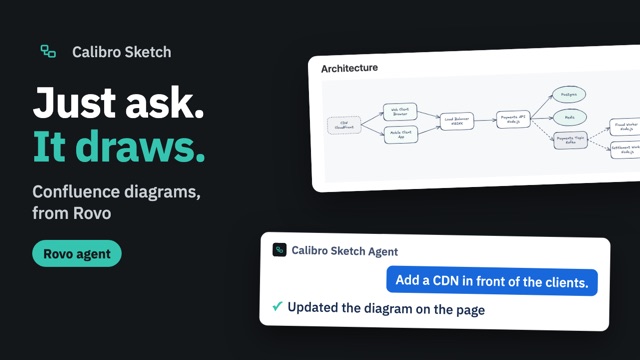
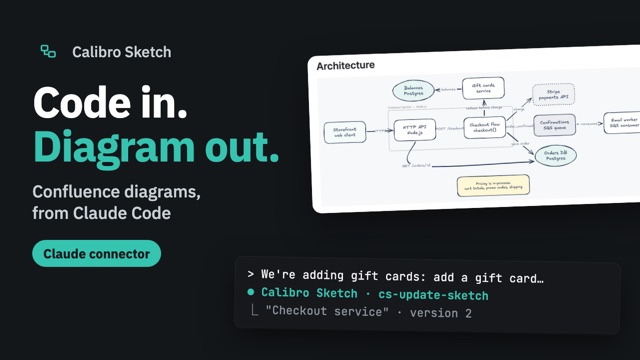
New Draw it from Rovo or Claude — ask an agent to draw, change or embed a diagram, and watch the page update as it does. Calibro Sketch is now in Claude’s connector directory. How it works →
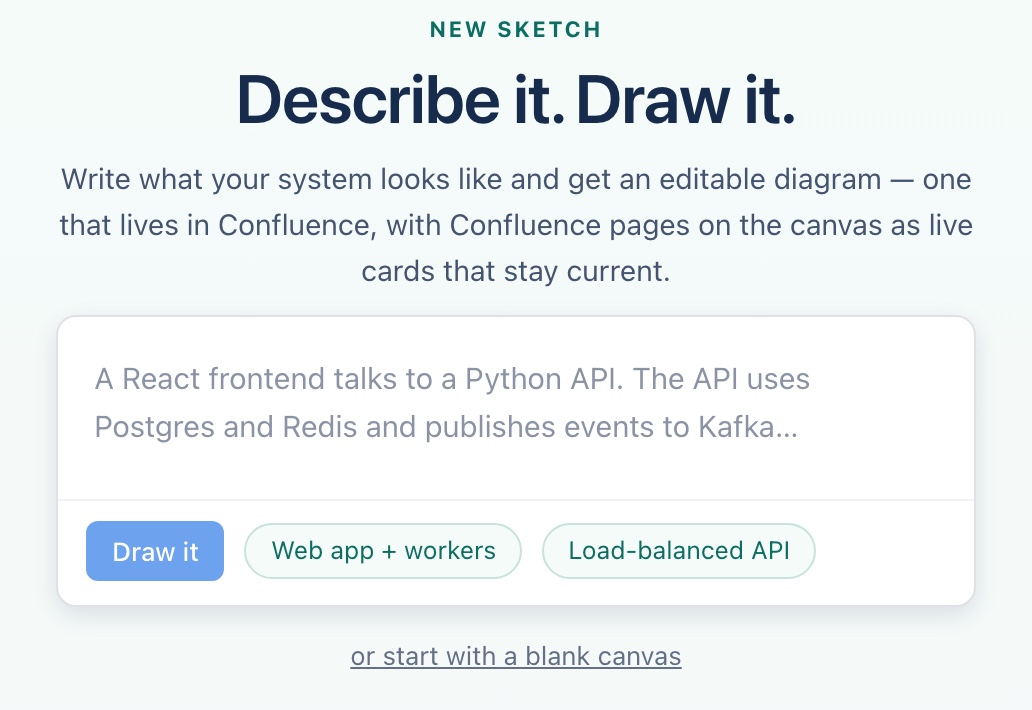
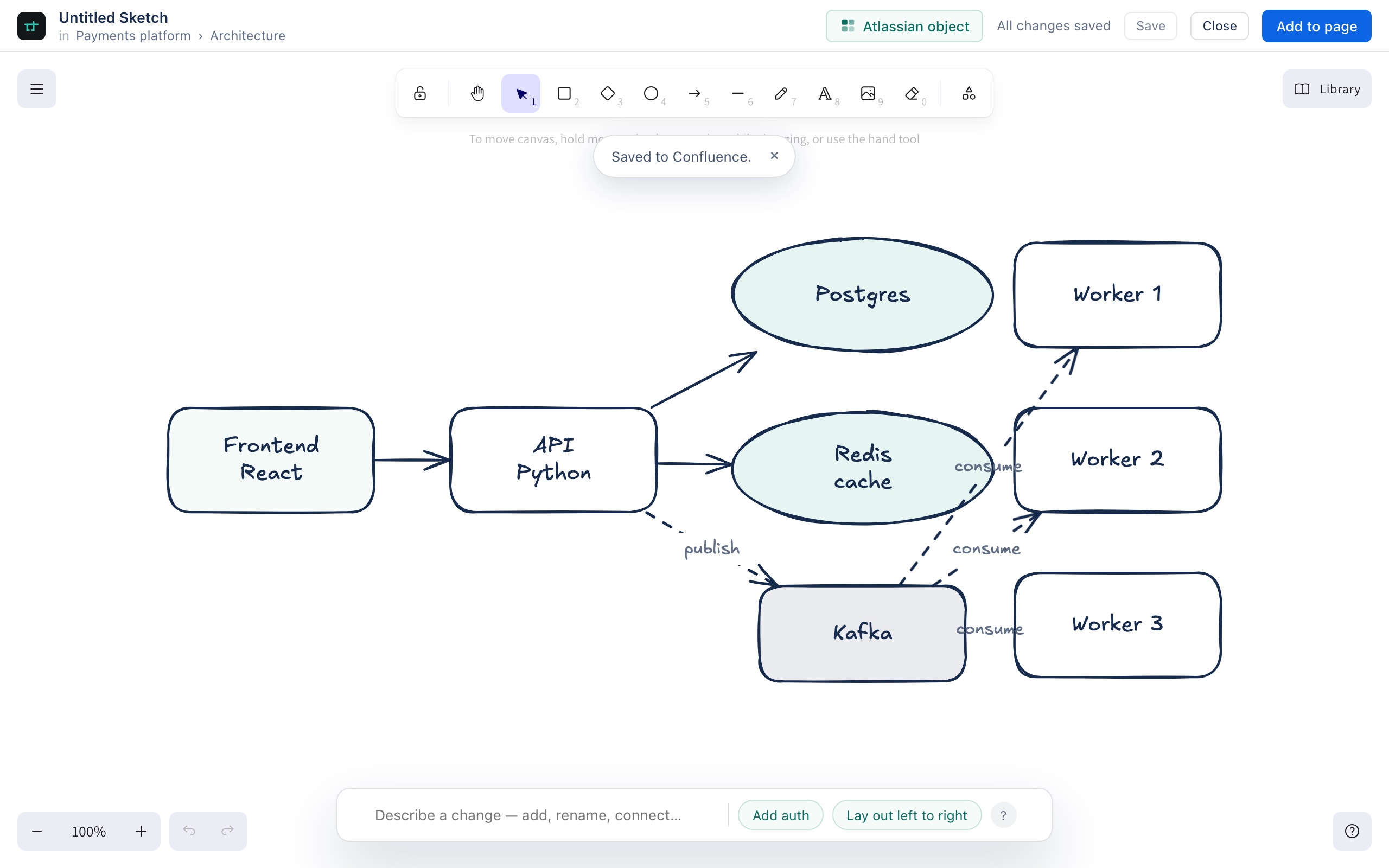
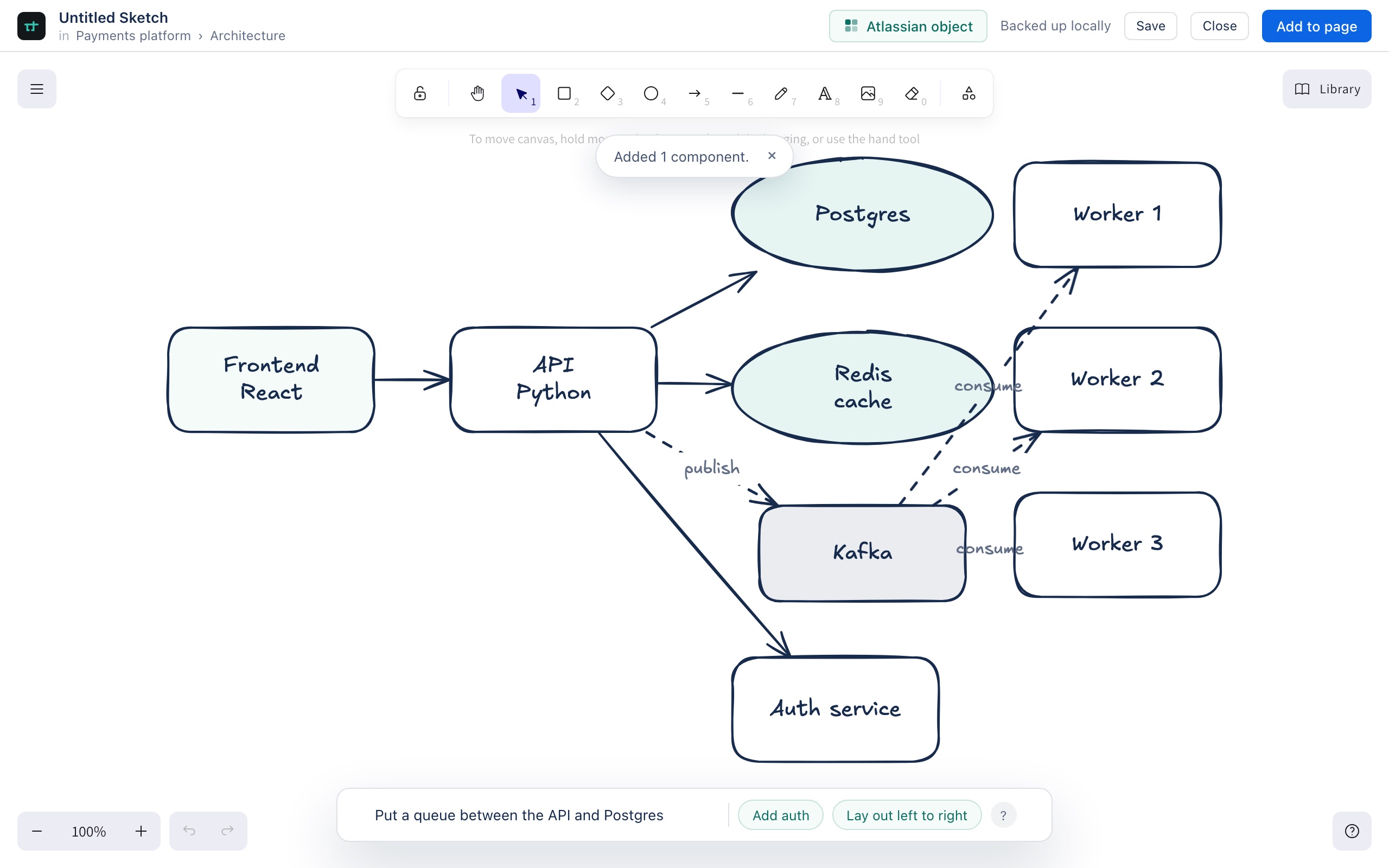
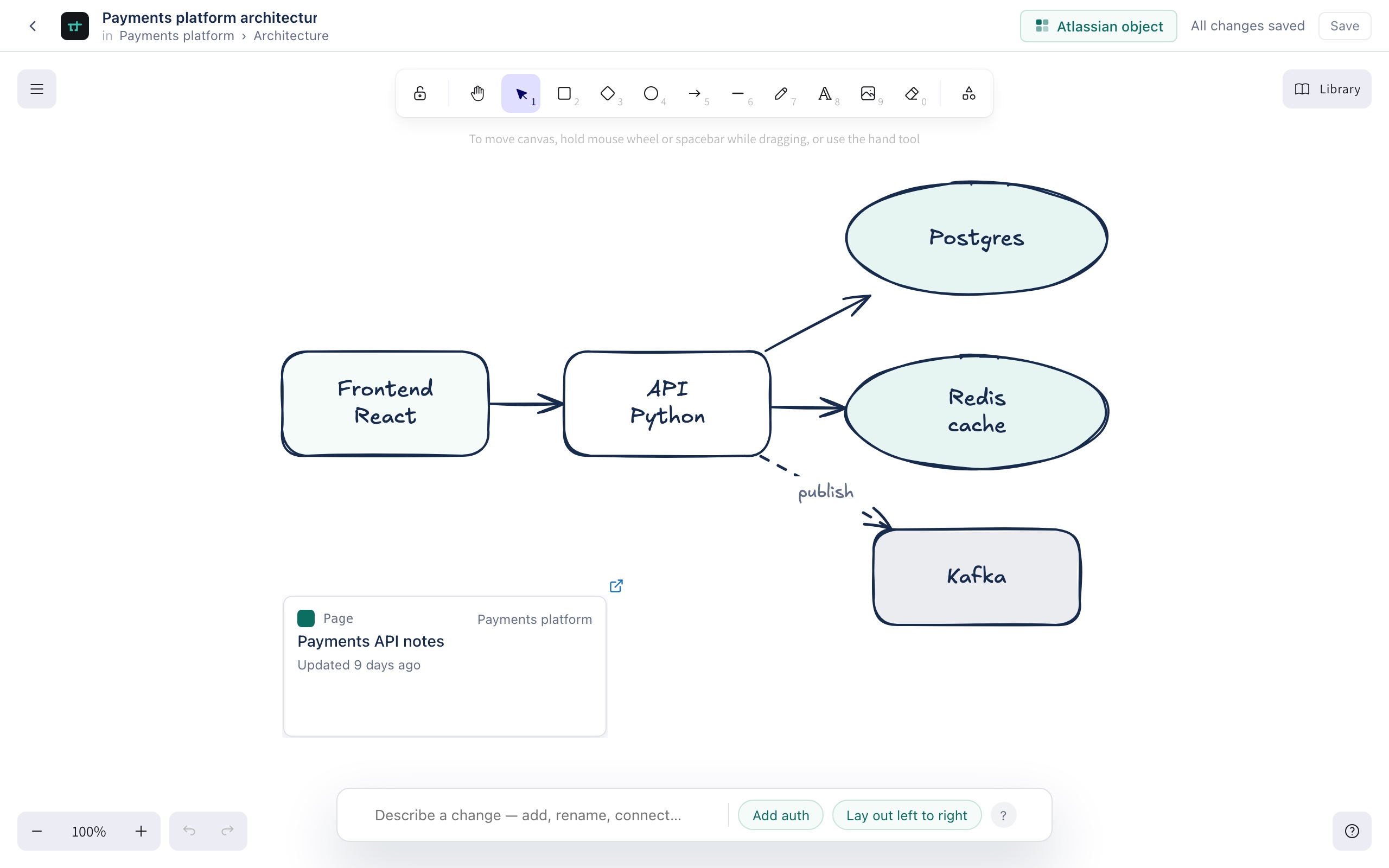
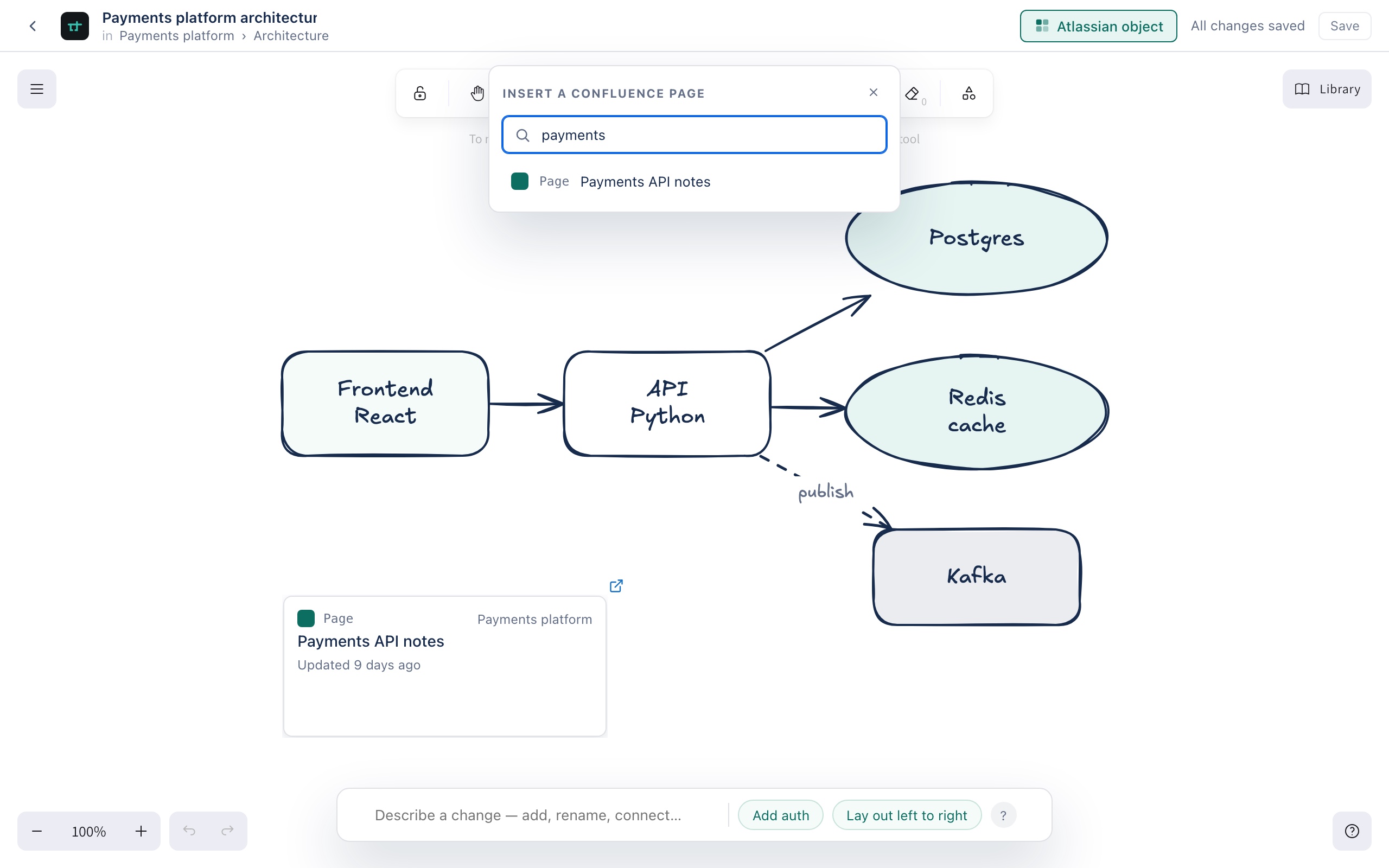
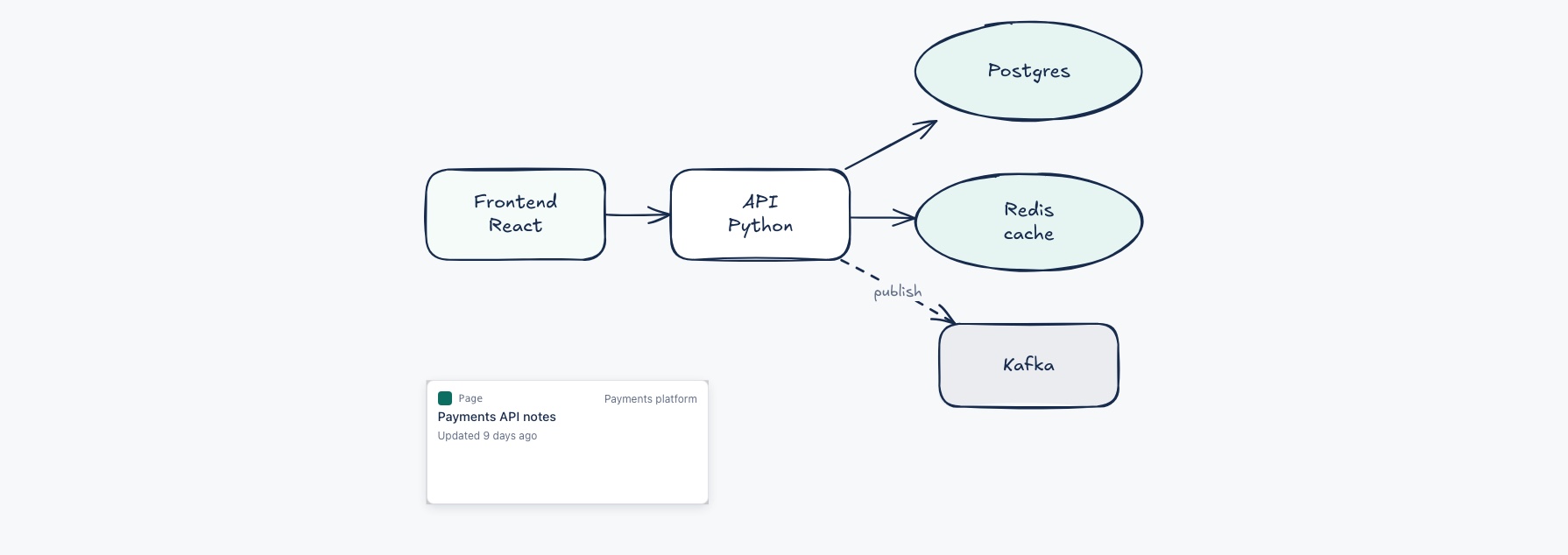
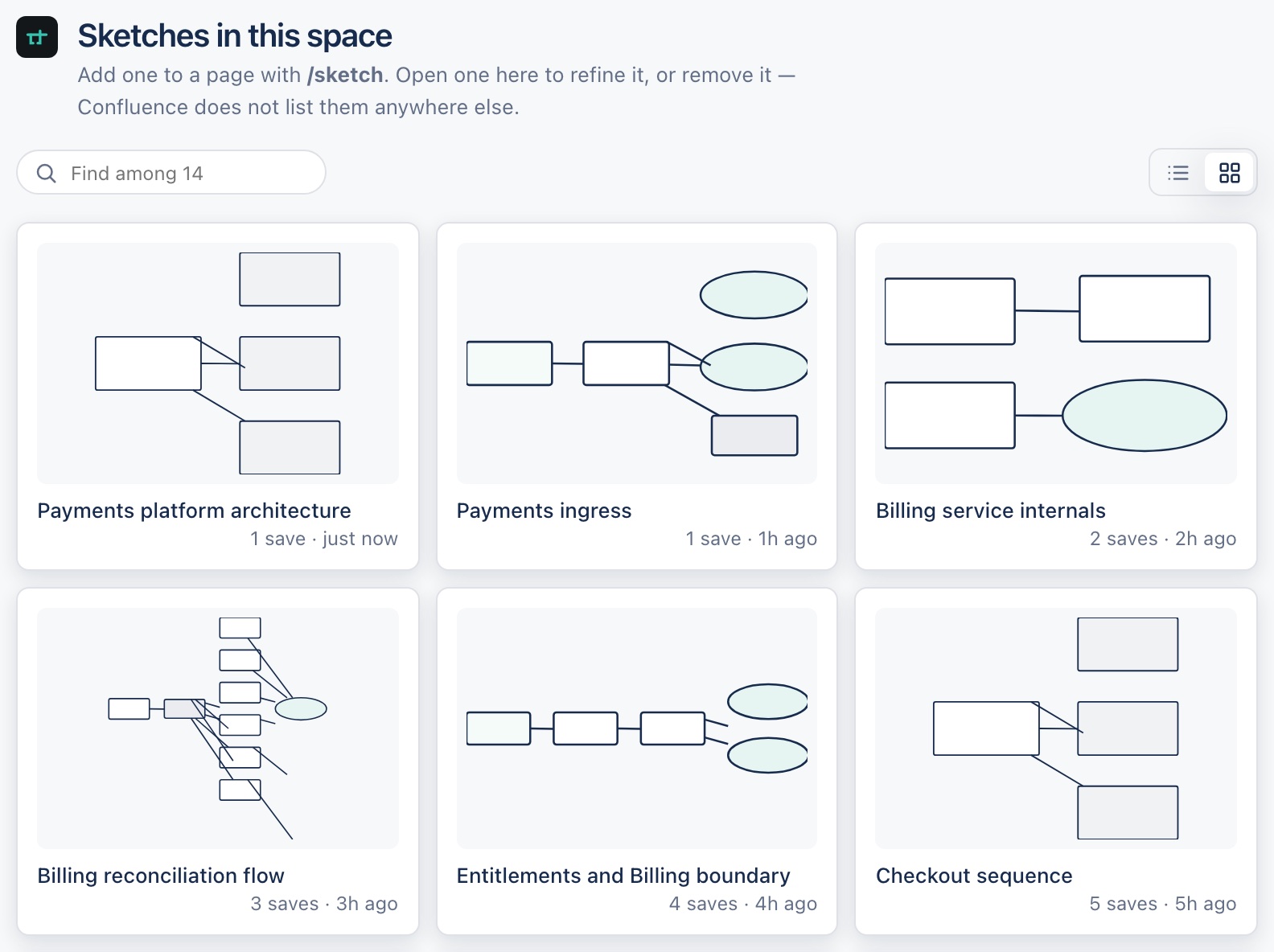
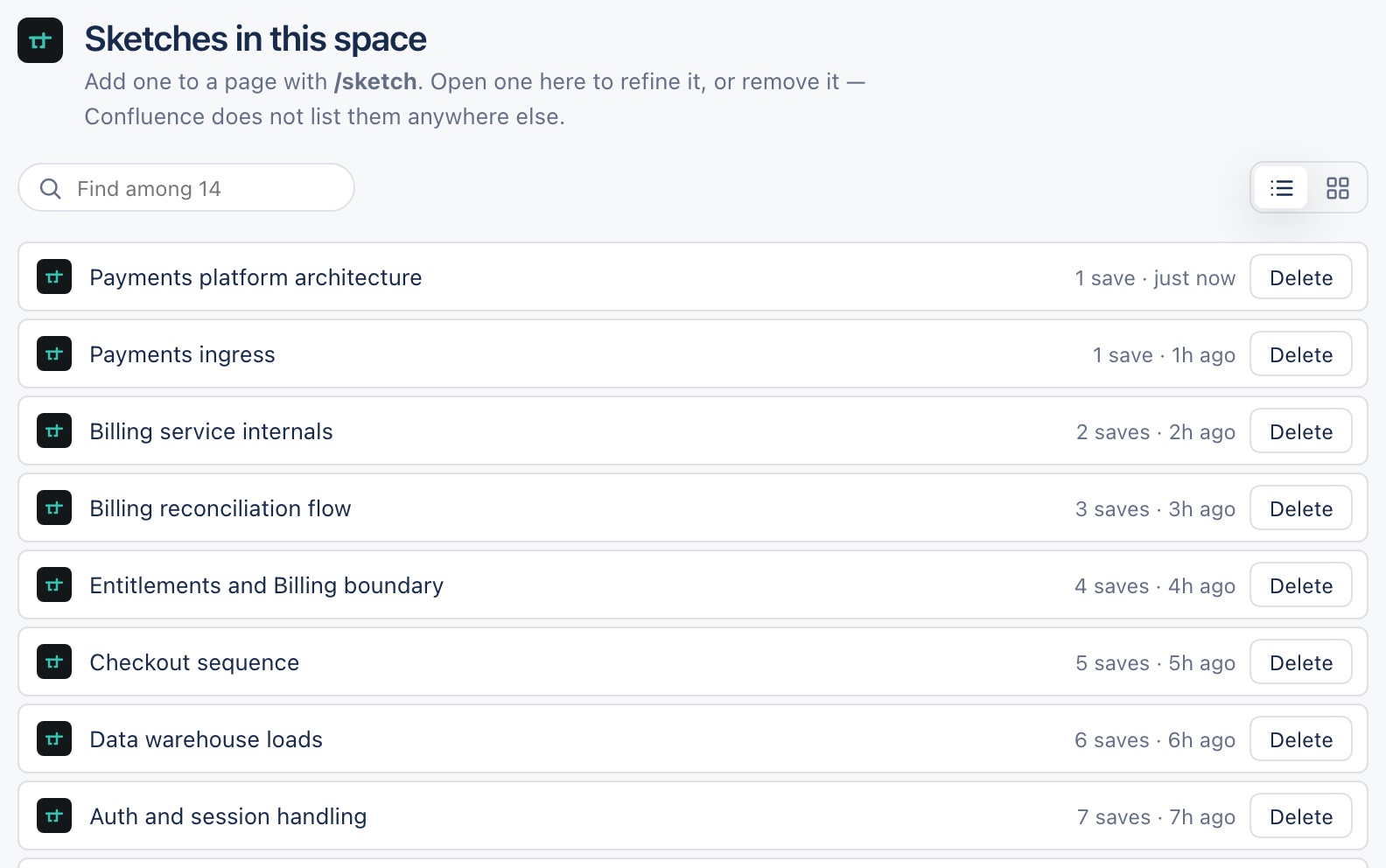
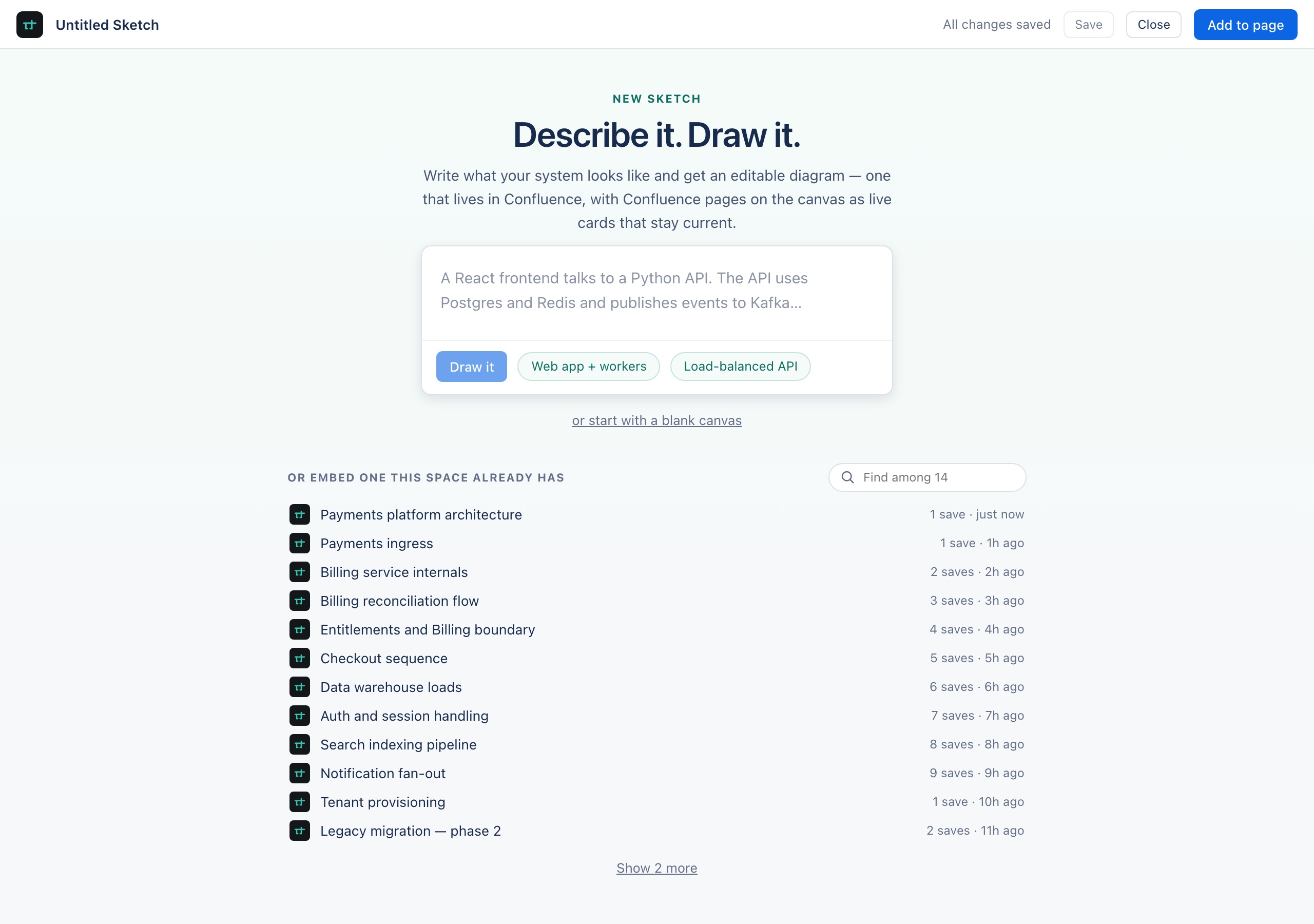
/sketch on a page to open this — describe a system, start blank, or reuse one the space already has.Screenshots show sample data, not a real customer's instance.
Watch it work
Three recordings, each in a real Confluence site.
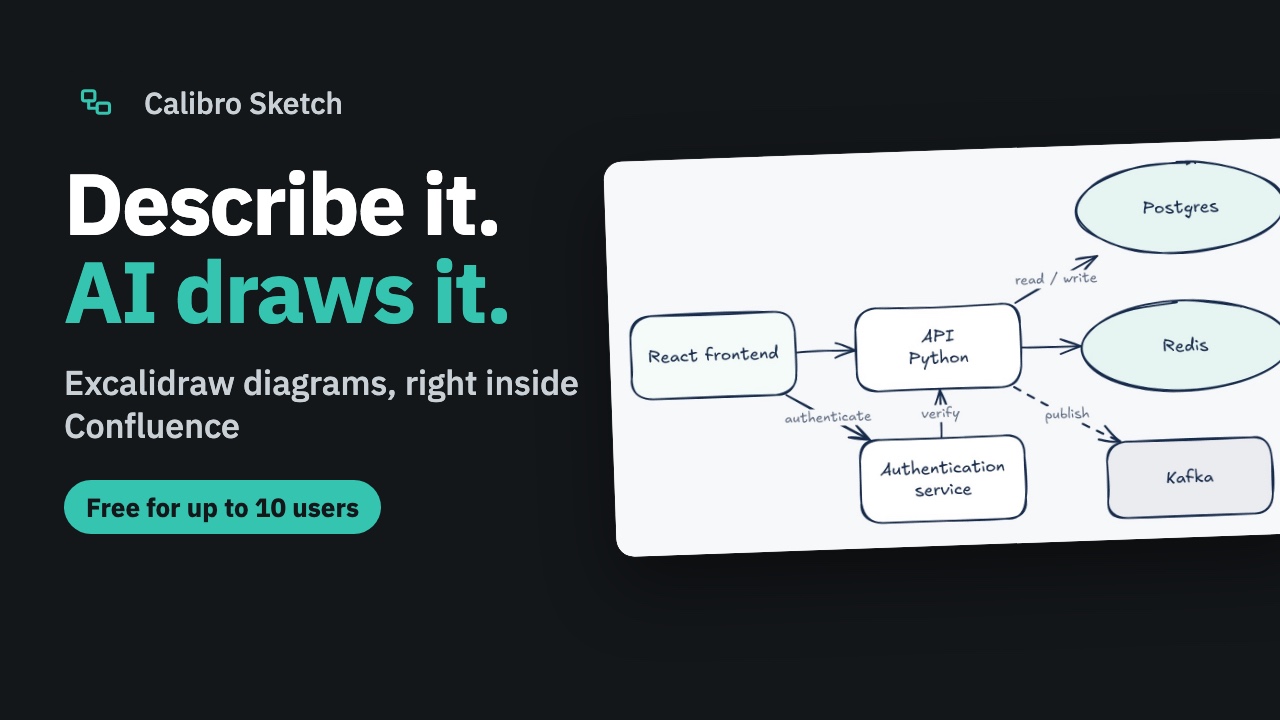
Type /sketch on a Confluence page, describe the system, ask for a change, and put it on the page. Recorded with the production AI.
A Sketch is Confluence content
Not a drawing in an app's private storage that happens to appear on a page. A Sketch is stored as Confluence custom content, which is what hands permissions, space scoping and trash recovery to Confluence itself rather than to a feature list of ours.
What is saved is the drawing
The document is an Excalidraw scene, not a tidy model of boxes and arrows. A free-hand annotation, an arbitrary polygon, a box someone nudged four pixels — all of it survives a save, because a structured model would be smaller and would quietly discard anything it had no field for.
Cards that cannot go stale
An Atlassian object on the canvas stores a URL and nothing else. A Confluence page card fetches its title and state when someone opens the page, so the card cannot disagree with its source — a state written into a diagram is wrong the moment the source moves, and a diagram that quietly lies is worse than one that never claimed to know.
One diagram, however many pages
Embedding a Sketch stores its content id, never a copy of the scene. The same architecture diagram on the onboarding page, the design doc and the incident review is one diagram — edit it once and all three are right, instead of three copies drifting apart at their own speeds.
Excalidraw, not our own canvas
The editor is the real thing rather than something we wrote that resembles it, so the shortcuts, the shape library, the arrow binding and the undo stack are the ones people already know. Smart objects are ordinary elements inside it — which is why dragging, grouping and binding an arrow to a live card all work without our having reimplemented any of it.
Nothing leaves your site — AI included
Built entirely on Atlassian Forge, like Track, Test, Pulse, Explore, Prioritize and Plan. Your diagrams are stored and rendered inside Atlassian's infrastructure, and the AI runs on Atlassian-hosted Claude models through the Forge LLMs API — your descriptions never travel to a server of ours or anyone else's. The app declares no external egress at all, down to shipping its own fonts rather than fetching them.
Pricing that fits in one sentence.
Free for up to 10 users. From the 11th, US$0.25 per user per month, and the rate steps down automatically as your site grows — US$0.17 from 101 users, US$0.13 from 2,501. Annual billing costs less again. Billed by Atlassian alongside Confluence; the whole app on every plan, live Confluence page cards included.
Stop paying and your Sketches stay readable — they're Confluence content, not ours to hold. The Marketplace listing always shows the current price, and the pricing page has the detail.
What it does, it does properly.
Calibro Sketch is on the Atlassian Marketplace now, built around one idea carried all the way through: a diagram should be real Confluence content, not a picture bolted onto a page. Everything else follows from that.
A Sketch versions like a page, inherits the space's permissions, and goes to the trash rather than vanishing when it's deleted. On the canvas, Confluence pages are live cards that read their state the moment someone looks, so a diagram can't quietly fall out of date. And because every Sketch is content you can find, the next person reuses the one you drew instead of drawing it again.
What we would most like to hear is whether a diagram stored as Confluence content — rather than as an attachment, a screenshot or a link to somewhere else — actually changes whether your team keeps it up to date. That is the whole bet, and it is not one we can settle by ourselves.
What works today
Install it and see.
Installs from the Marketplace like any Confluence app. Uninstalling removes it cleanly.